Meshmerize
Your one-stop needlepoint app
Join the TestFlight beta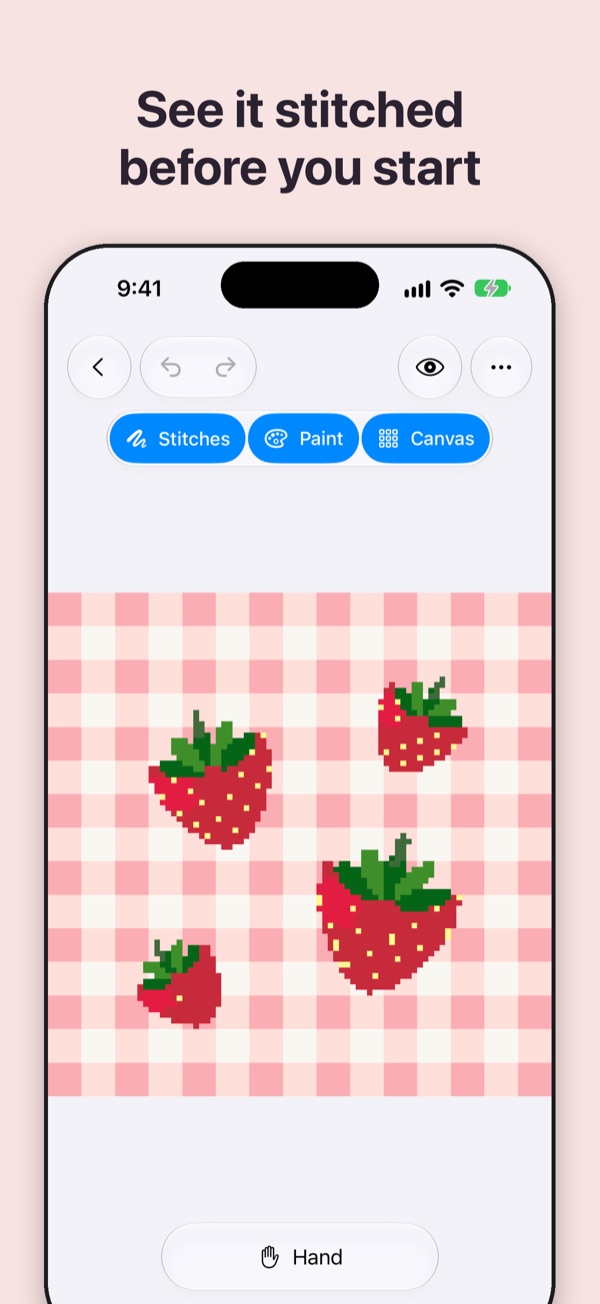
Draw it your way
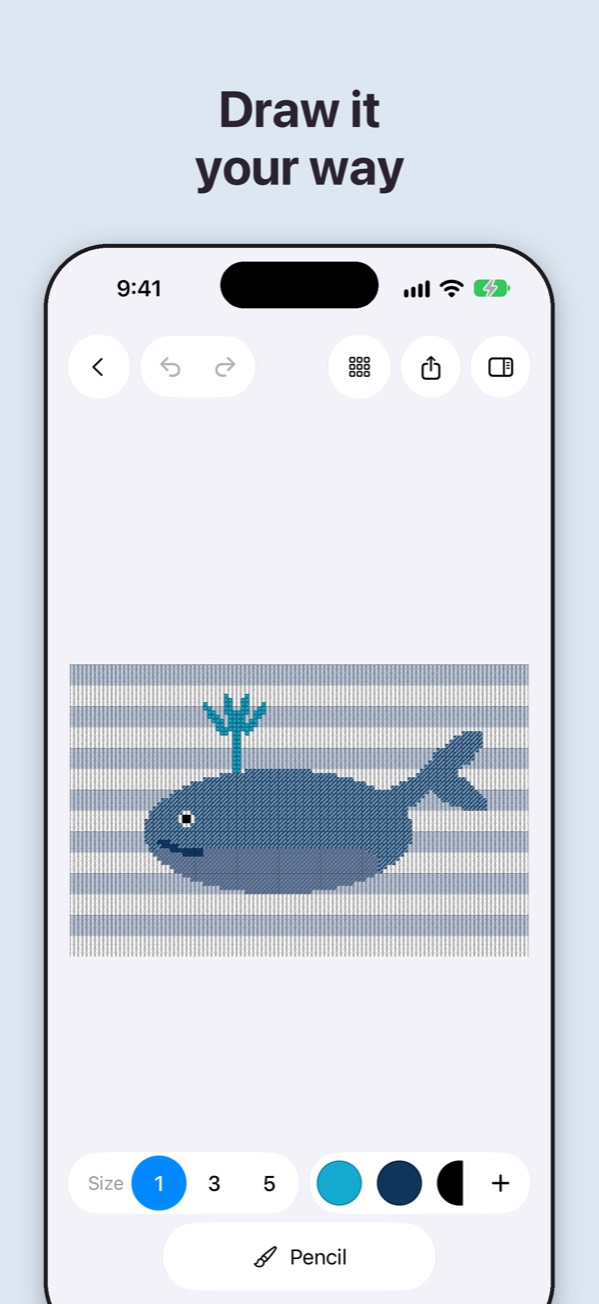
Design a whole canvas from scratch. Pick your size and mesh, then paint stitch by stitch or fill whole areas at once. Add lettering, drop in shapes like hearts, stars, bows, and scallops, and lay a photo or sketch under the chart to trace. Meshmerize can also turn that picture into stitches in matching colors.
See it stitched before you start
Switch from the grid to Preview and see your design worked in thread on canvas, stitch by stitch. Judge your colors and stitch choices before you buy a single skein.
Add decorative stitches
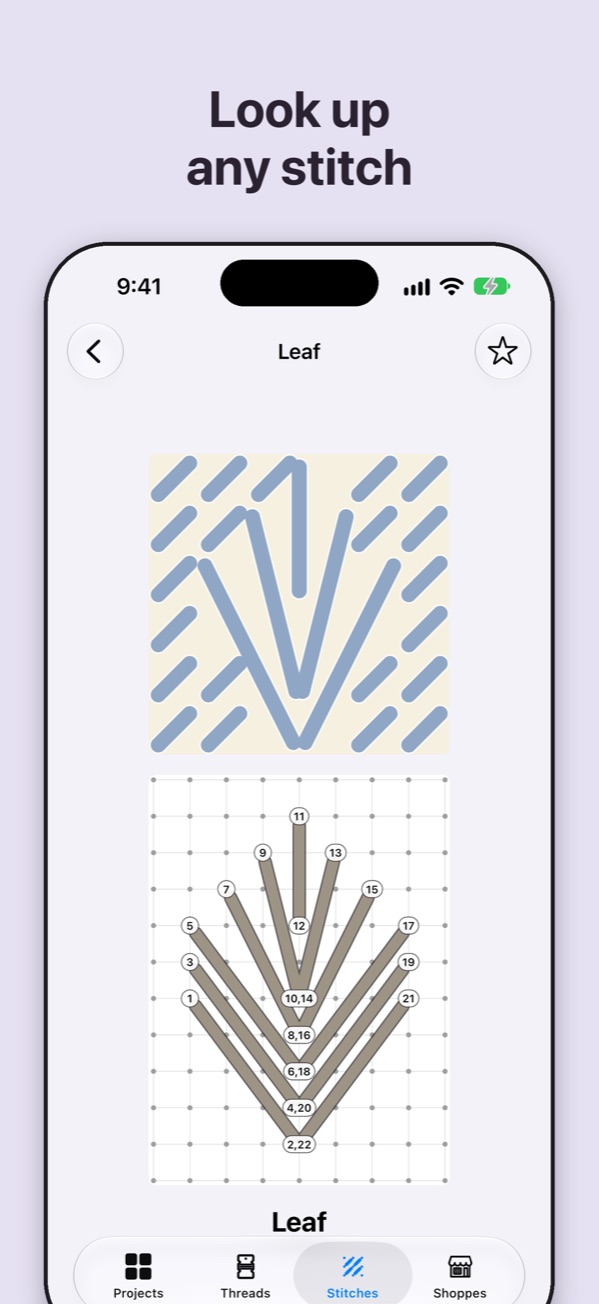
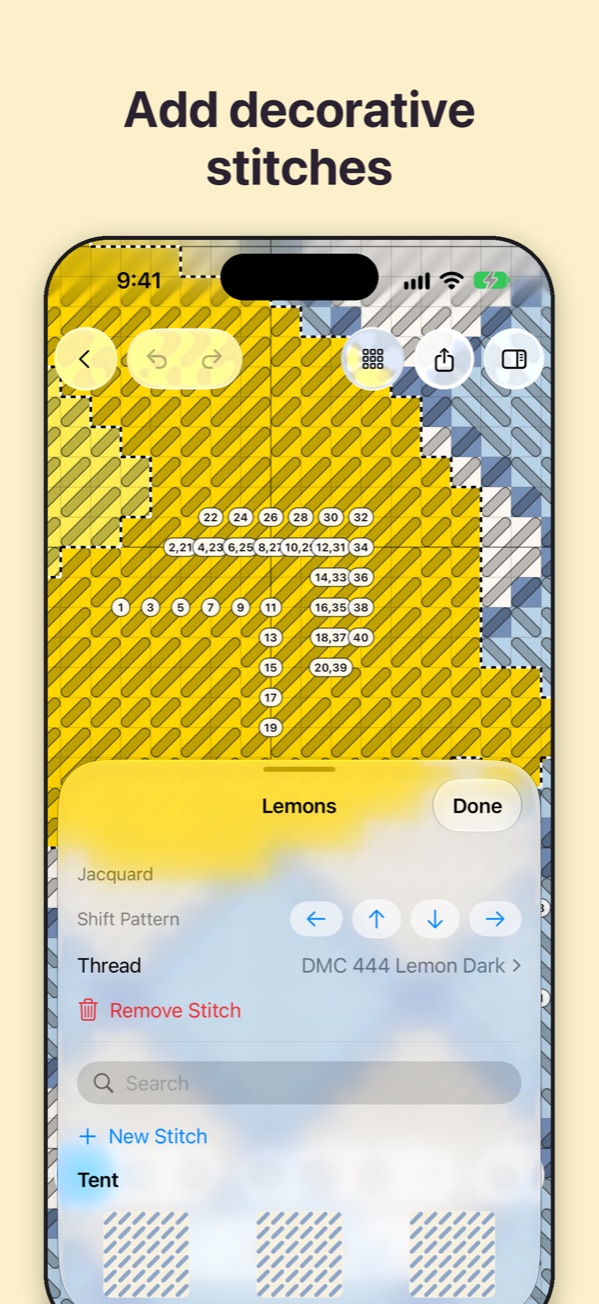
Choose from more than 200 needlepoint stitches, from Basketweave and Scotch to Byzantine and Leaf, and fill any area with one. Meshmerize lays the stitch across the area, finishes the edges with compensation stitches, and numbers the working order so you know where each stitch goes. If you can't find a stitch, draw your own.
Know which threads to buy
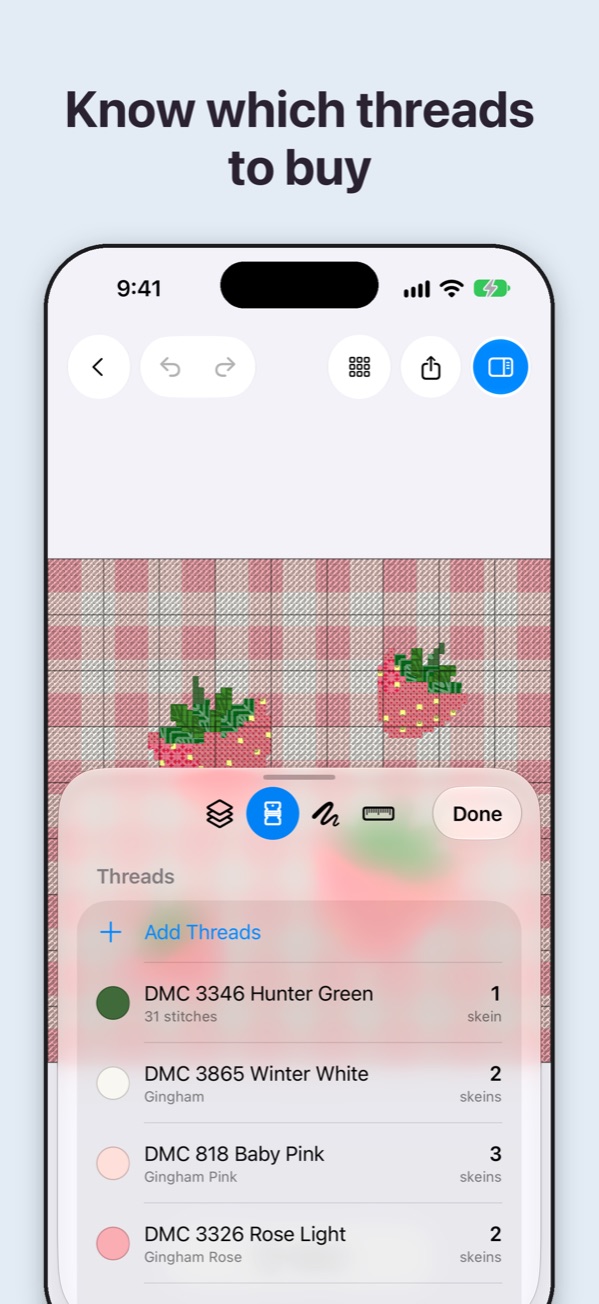
Every color is matched to the nearest DMC thread. Meshmerize estimates how many skeins you need for your mesh and keeps a stash of the threads you already own, so you buy only what you need.
Print it, share it, stitch it
Export a print-ready PDF chart with a color key, or a complete stitch guide with a cover, the chart with every stitch drawn in, a page for each stitch area, and the full thread list. Share a picture of your design, or send the pattern file so a friend can open it in Meshmerize.
Find your next needlepoint shop
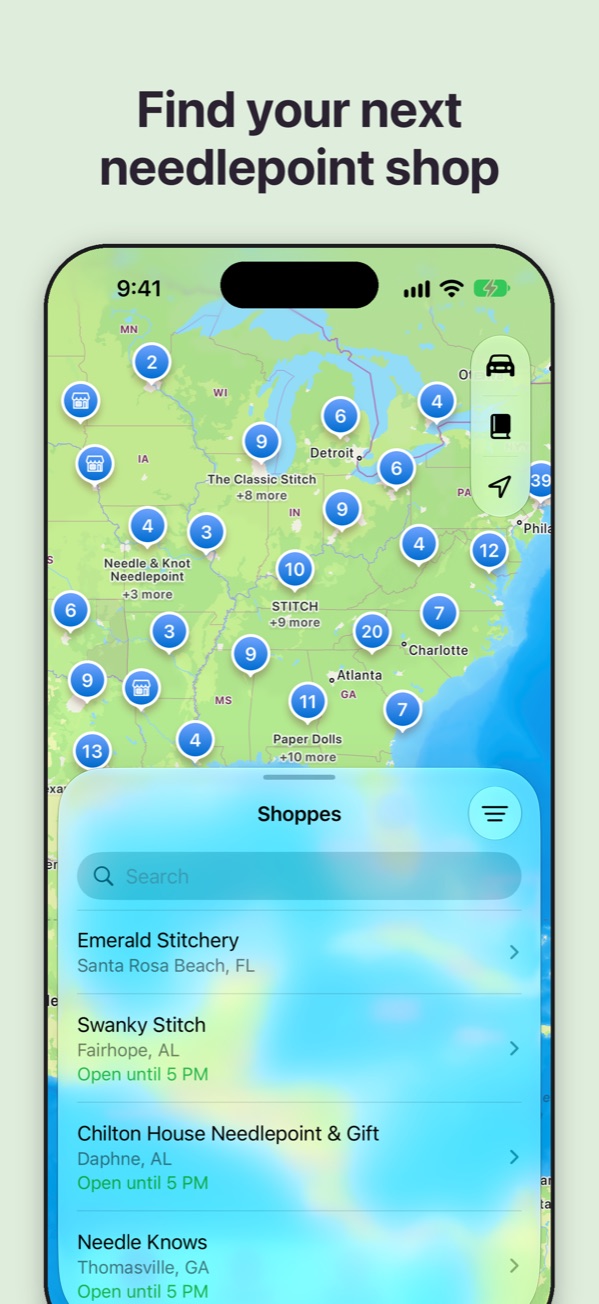
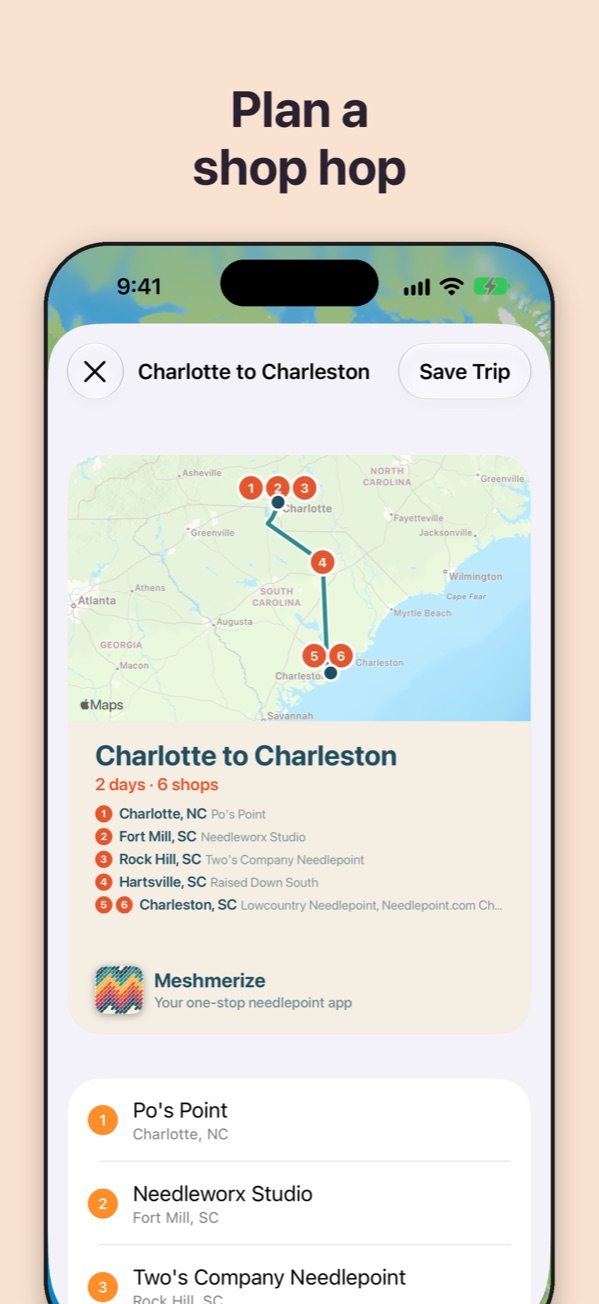
Browse hundreds of needlepoint shops on a map, see which are open right now, and plan a shop hop along your route or around a city that fits each shop's hours. We update shop details all the time, so hours and locations stay current. Check in when you visit and keep a passport of every shop you've been to.
All your canvases in one place
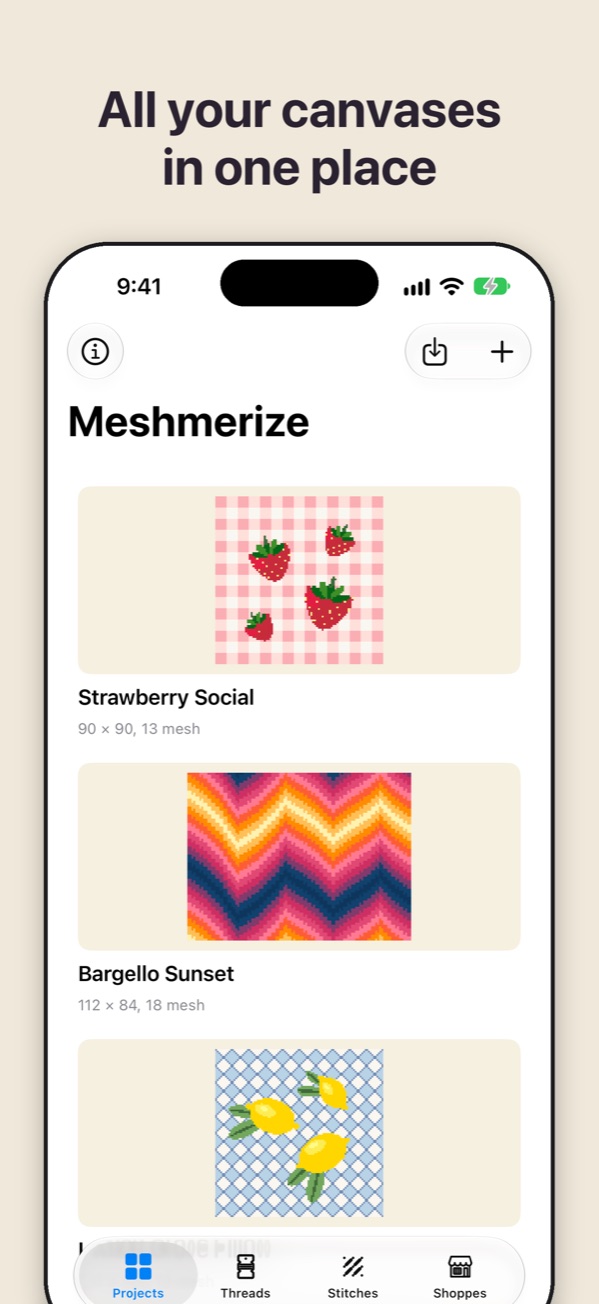
Every pattern you design lives in one library, alongside the painted canvases you own, each with its threads, stitches, and notes. Everything syncs through iCloud between your iPhone, iPad, and Mac.